SetupCodes Universal Remote Codes Finder
Find the code that makes your universal remote work with your TV, cable box or soundbar. Start with the brand name on the remote.

SetupCodes for Android. Look up codes on your phone, even with no internet.
Pick Your Remote Brand
Use the name printed on the remote you're holding.
Android app
SetupCodes on Your Phone
Look up setup codes on your Android phone while you stand at the TV.
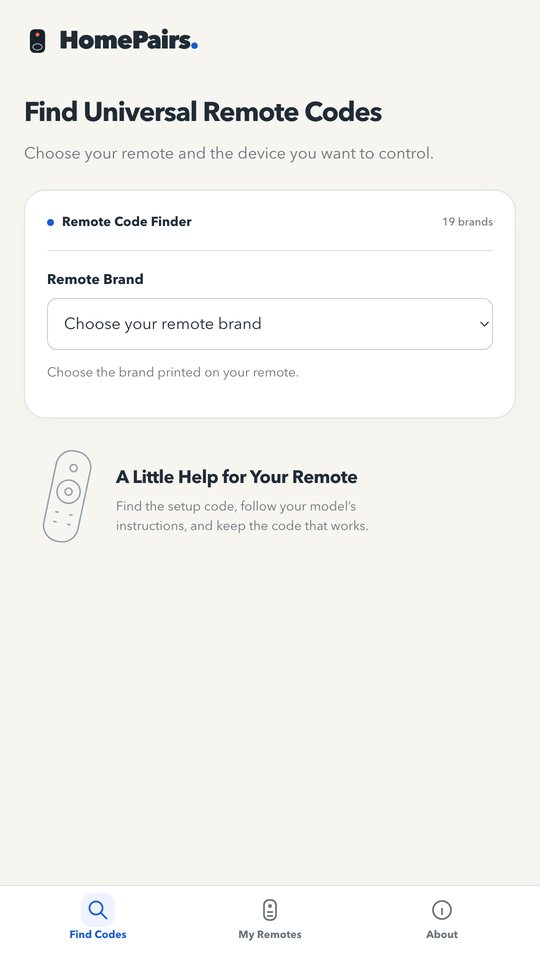
- 19 remote brandsCode lists for GE, RCA, One For All and 16 more.
- Works offlineSearch codes with no Wi-Fi or mobile data.
- Your remotes, savedKeep your setups and notes on the codes you tried.
Free on Google Play
SetupCodes finds setup codes. It doesn't turn your phone into a remote.
How It Works
1. Find the label
Open the battery compartment. Look for a code list label, such as CL4 or PCL2, or the model number.
2. Look up the code
Choose your remote brand, its label, and the device you want to control.
3. Enter the code
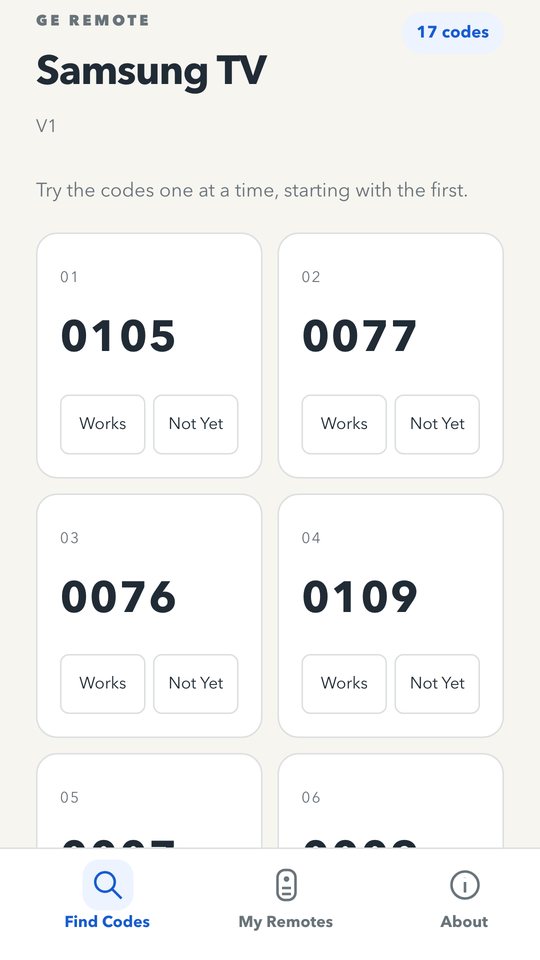
Follow the steps on your brand's page. If a code doesn't work, try the next one.
If the Code Doesn't Work
Try the next code
Some codes run only a few buttons. The next one on the list may do more.
Check the label again
Each label has its own list, so the codes differ, even on the same brand.
Use code search
If your remote can search for a code, your brand's page shows how.
Know your remote's model number? Model guides: GE · RCA · Onn · Blackweb · One For All · RadioShack · UltraPro · QFX
Common Questions
Do I need my remote's brand or my TV's brand?
Both. Codes are listed by remote. Pick the brand of the remote in your hand, then look up your TV's brand in its list. The same TV can have different codes on different remotes.
My remote isn't on the list. What can I do?
Try its code search feature, or check the manual that came with it. A code from another brand's remote may not work on yours.
My remote has no way to enter a code.
Some newer remotes pair through the TV screen instead, such as Xfinity voice remotes and LG's Magic Remote. There's no code to look up for these.
Where do these codes come from?
From the code lists and manuals that the remote makers publish. Each result names its source.